


A Série CL representa novos níveis de refinamento. Oferecem uma experiência envolvente de mistura com uma sonoridade pura.

Aplicação para iPad para controlo e monição das mesas de mistura da série CL.

Nova Liberdade com Controlo Remoto
With the CL StageMix application, an iPad becomes a wireless remote controller that can be used to set up and operate CL consoles from anywhere on stage or in the audience seating area. There’s even a built-in iPad stay on the CL5 and CL3 panels, providing a convenient mount for an iPad to be used for additional control functionality.
* Please read privacy policy carefully before downloading and installing the StageMix.
* Apple, iPhone, iPod touch and iPad are trademarks of Apple Inc. registered in the U.S. and other countries. App Store is a service mark of Apple. Inc.
Caraterísticas
The Best Listening Position is the Best Control Position
In many cases the console position is not the optimum place to be when mixing for live sound. In fact, space and other restrictions sometimes mean that the console ends up in the worst possible spot for listening and mixing.
Mixer Window
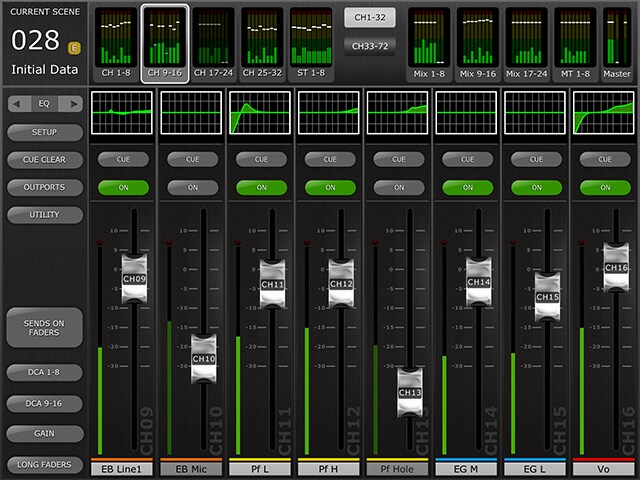
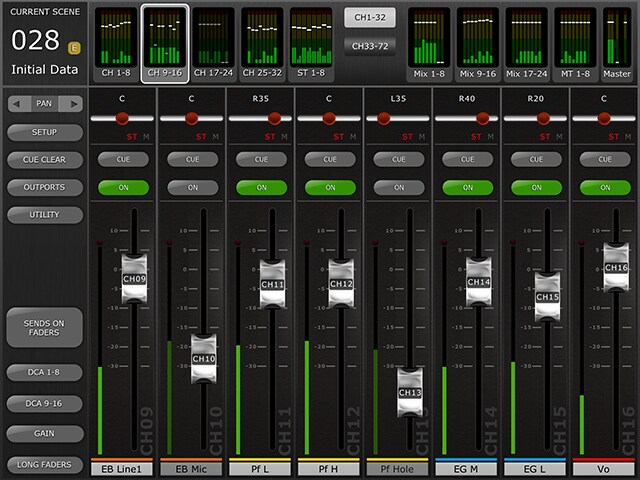
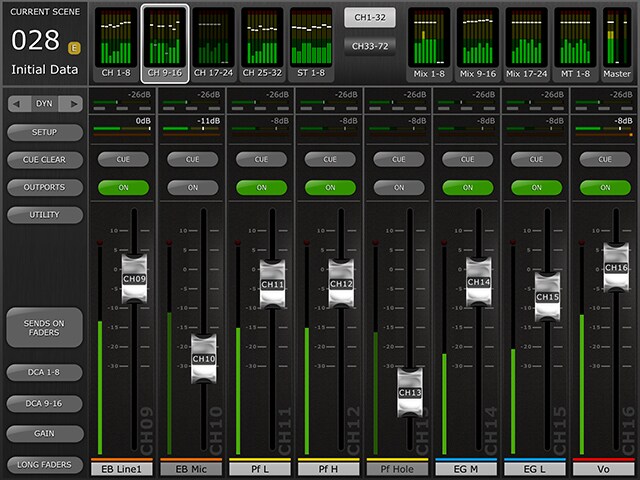
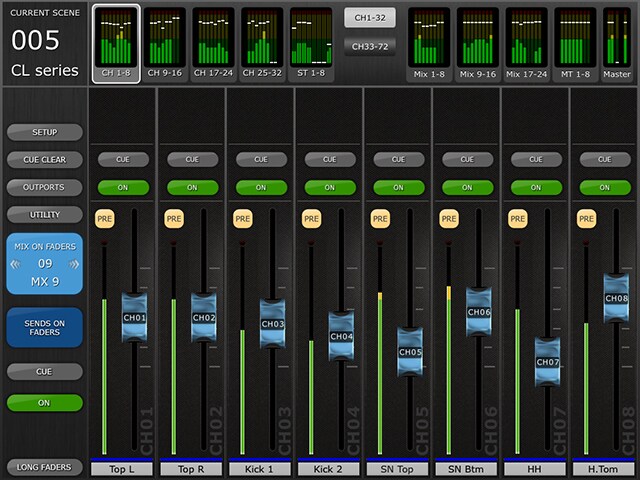
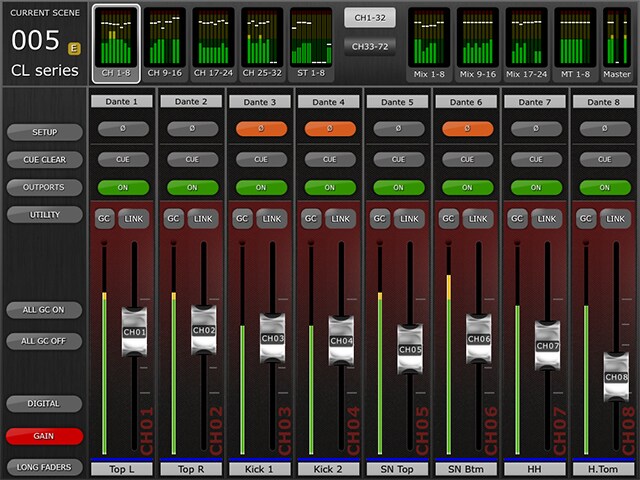
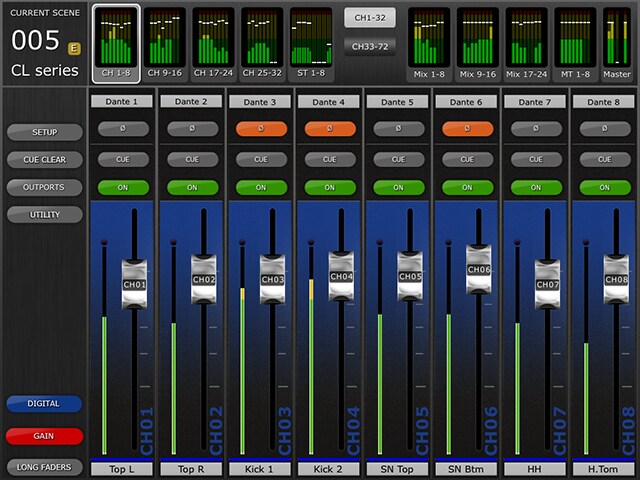
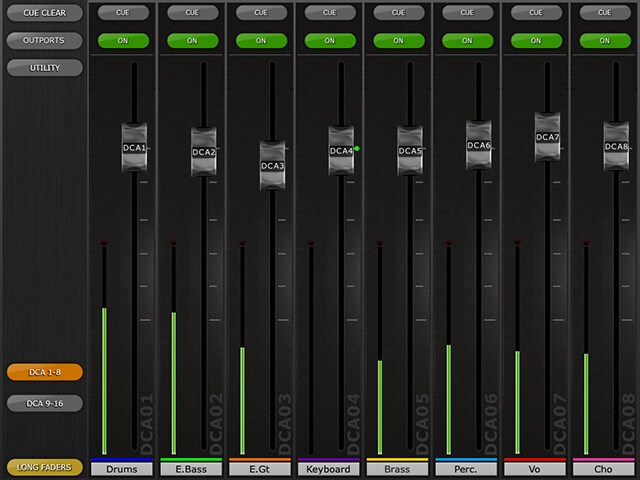
The main page of the StageMix is called the "Mixer" window. It shows the EQ curve, CUE and ON buttons, fader and level meters, and channel names for eight adjacent channels.Across the top of the screen, all Input, Mix and Matrix level meters and faders are displayed in blocks of eight. This is the "Navigation/Meter Bridge". Press any of these blocks to select which channels are viewed in the fader strips below.


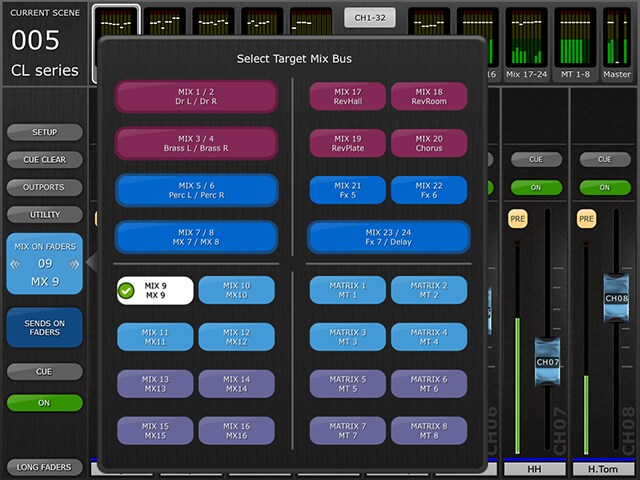
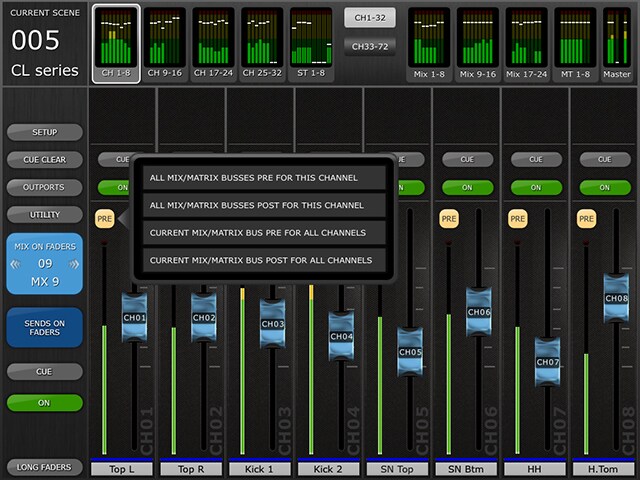
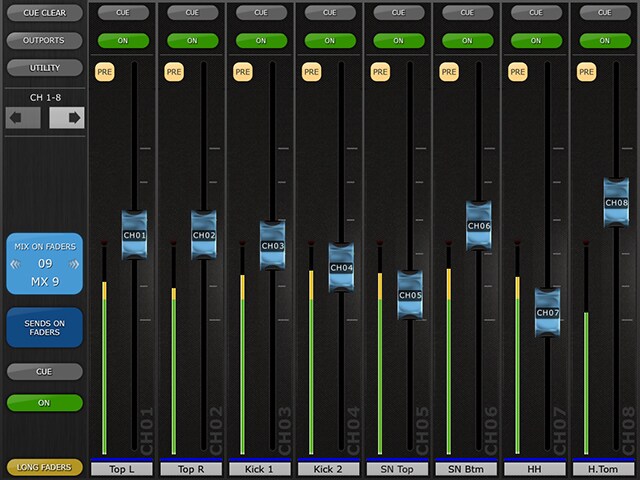
SENDS ON FADERS
The color of this button matches those used on the M7CL console. [CUE] and [ON] buttons appear below, allowing the currently active Mix or Matrix bus to be Cued and turned On/Off.
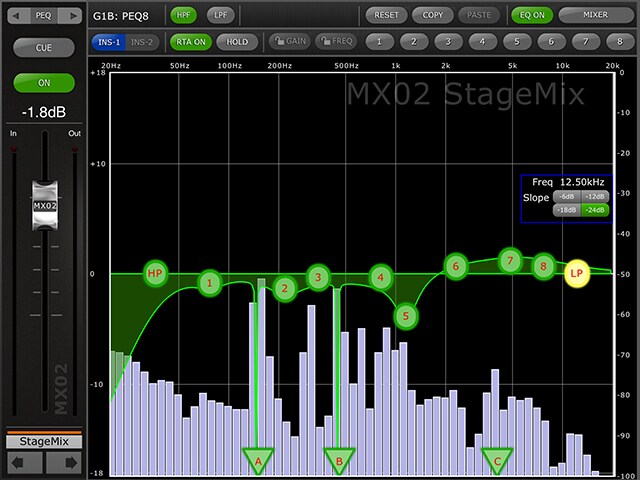
EQ Editing (PEQ)
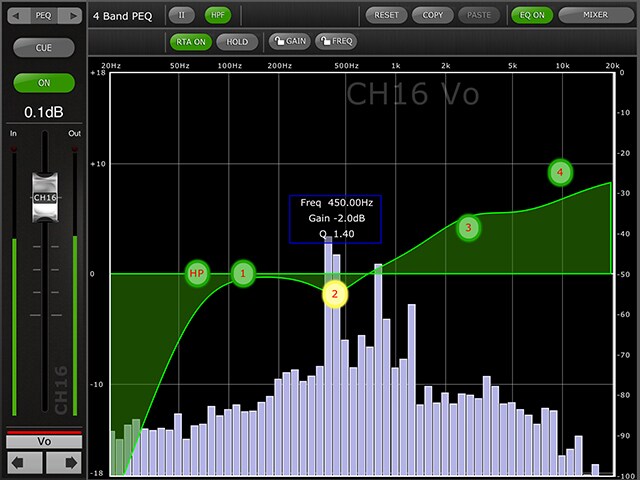
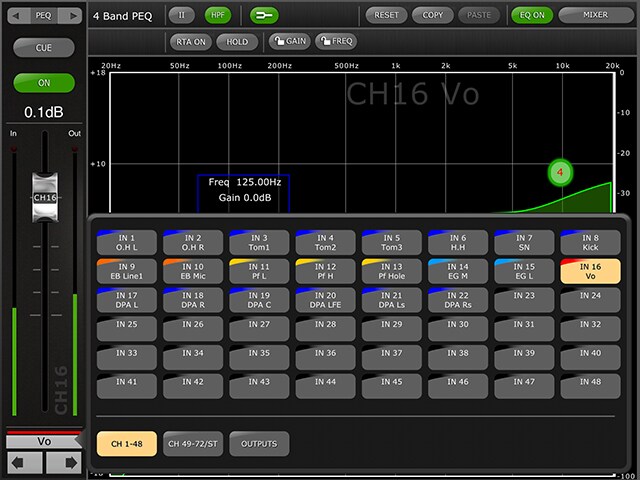
One band of Parametric EQ can be adjusted at a time. Press one of the green circles to select the band, and it will be highlighted yellow. EQ bands in StageMix are labelled as follows:- HP = HPF (input channels only)- 1 = Low Band- 2 = Low-Mid Band- 3 = High-Mid Band- 4 = High Band
EQ Editing (GEQ)
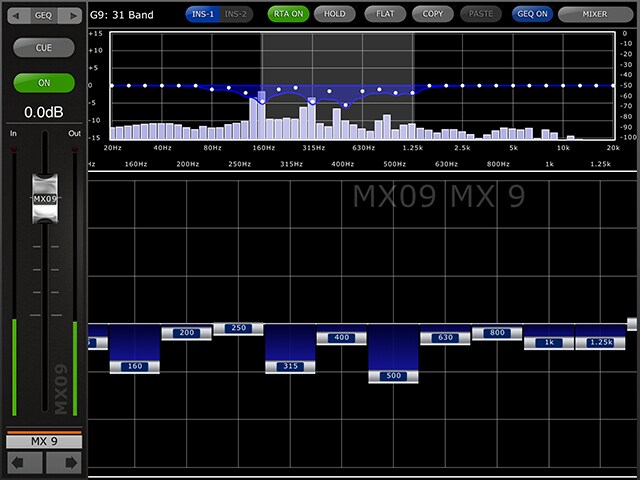
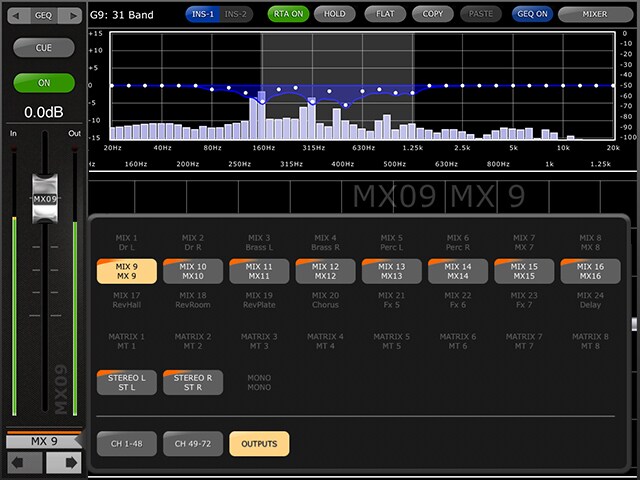
The upper section of the GEQ setup screen shows GEQ curves and gain levels of all 31 bands. White dot indicates the level position of each band. You can set up each band level by faders shown below it. Settings can be done up to 10 bands at once. Slide the screen to select different bands.

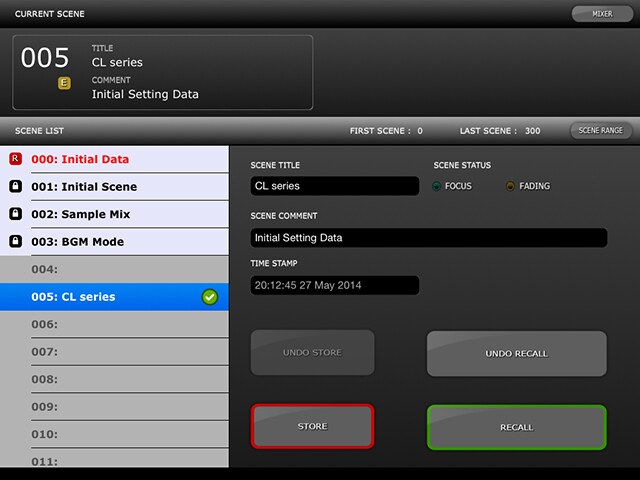
Scene Memory
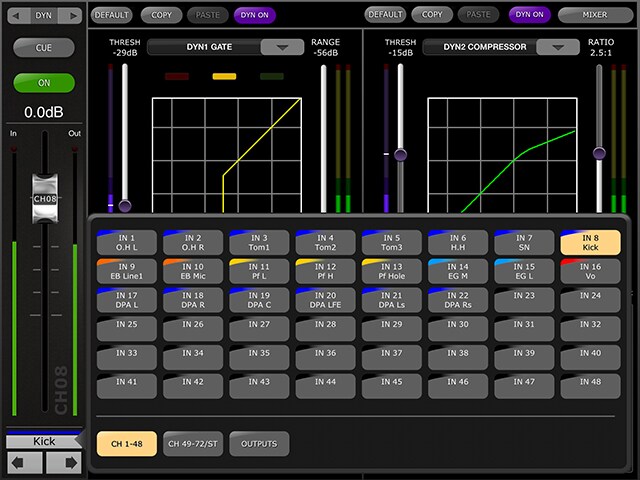
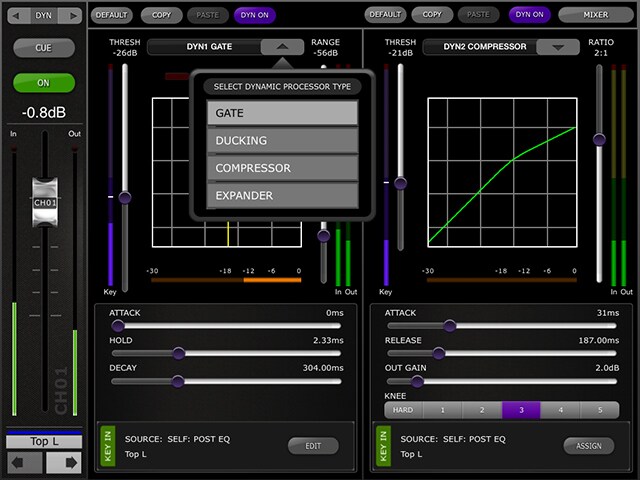
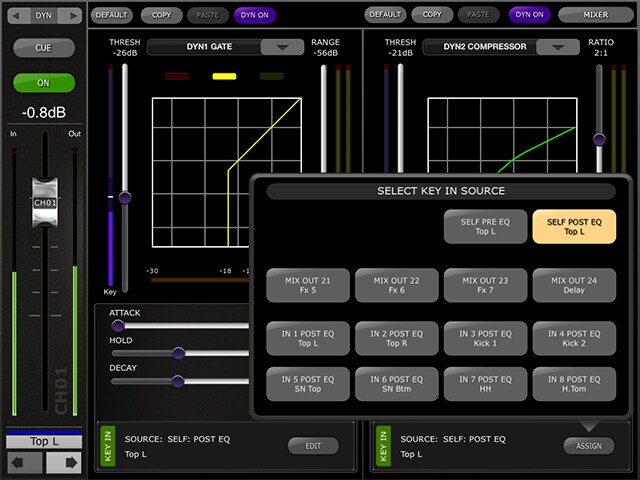
From this screen, the parameters on the console can be stored to the Scene Memory, which can also be recalled to the console when selected. Scene Titles and Comments that are shown on this screen can be edited easily by tapping on them.

Outports
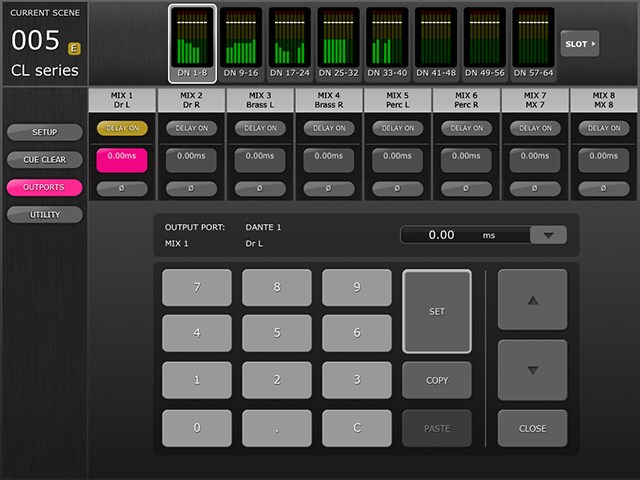
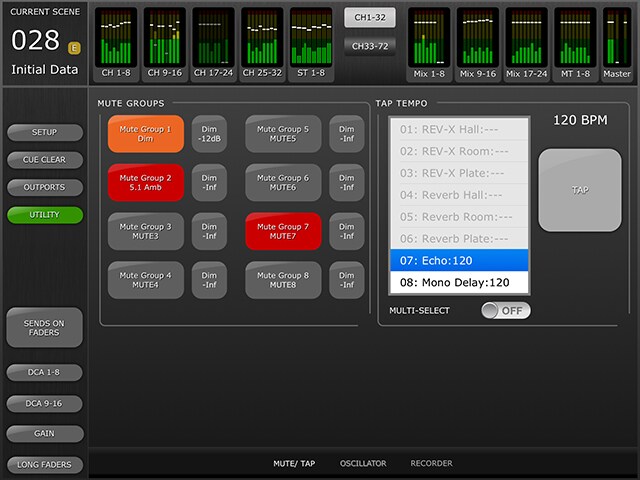
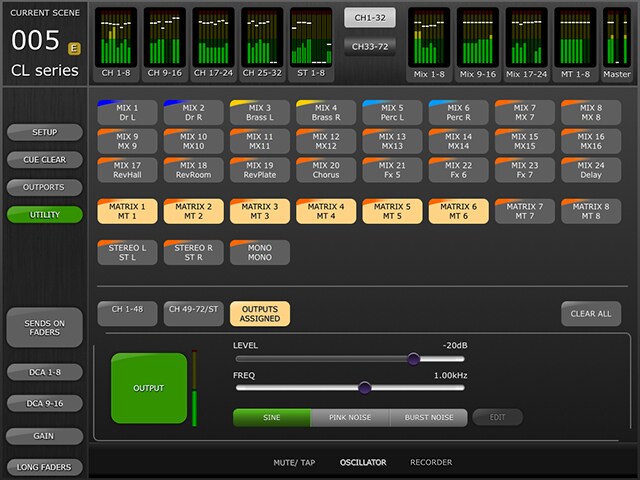
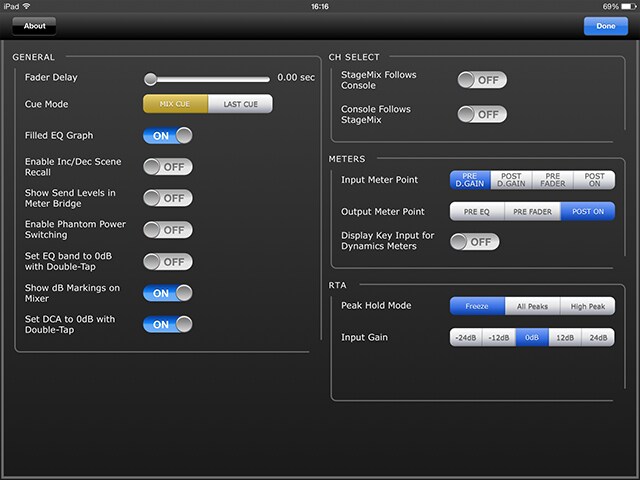
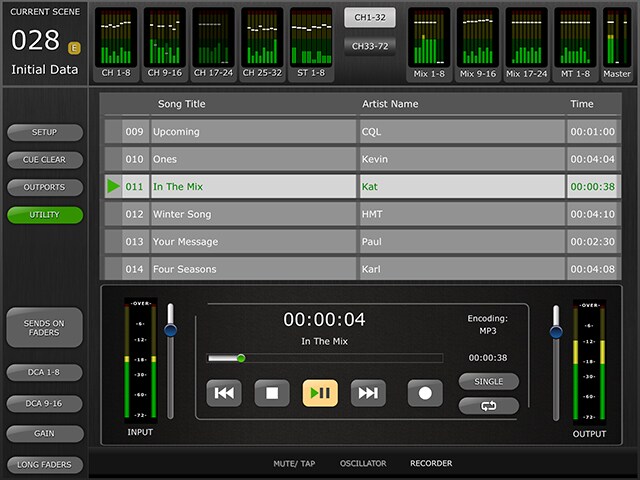
Scene Memory / Utility / Setup
Informação Relacionada
Produtos Relacionados


* As especificações podem ser alteradas sem aviso prévio. As cores e acabamentos apresentados podem diferir dos produtos reais.
